- 1. Paste or drop — paste Markdown, drop a .md file, or try the sample.
- 2. Check the live preview — see exactly how your document will look.
- 3. Download the .docx — free, unlimited, no sign-up.
- 4. Open in Word or Google Docs — headings, lists, tables and code stay editable.
- 5. Need more? Pro adds — batch conversion, .docx back to Markdown, and style templates.
Convert your Markdown
…or drag a .md file onto the editor.
Free, unlimited. A real .docx (Word / Google Docs / LibreOffice).
Batch conversion (Pro)
Pick several .md files. Each becomes its own .docx inside a single .zip download.
Reverse: .docx → Markdown (Pro)
Your .docx is parsed locally — headings, lists, tables and bold/italic come back as Markdown.
Style template (Pro)
Choose how the .docx looks. Free conversion always uses the Clean style.
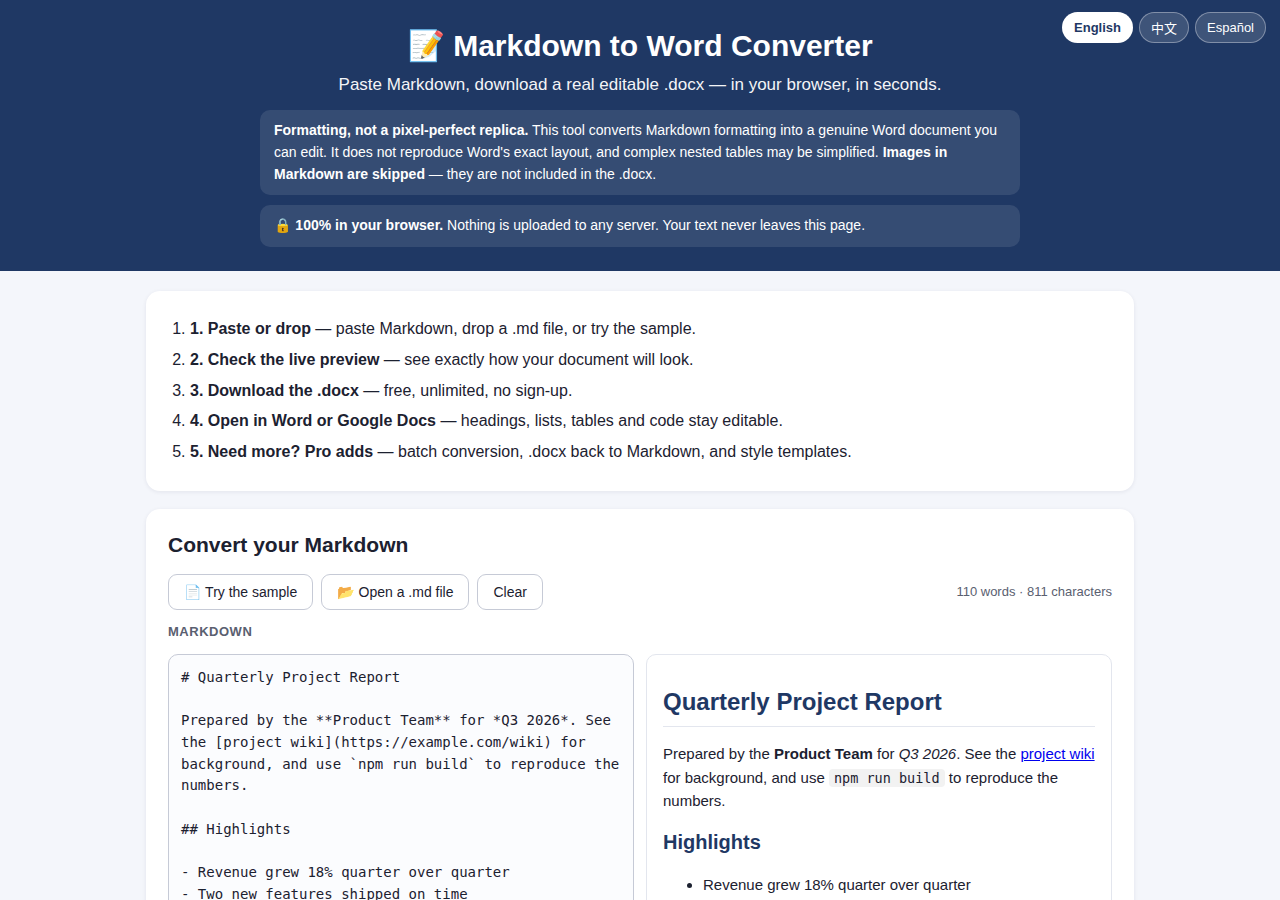
What the tool looks like
Everything happens on one screen: Markdown on the left, live preview on the right, one download button. No account, no upload.
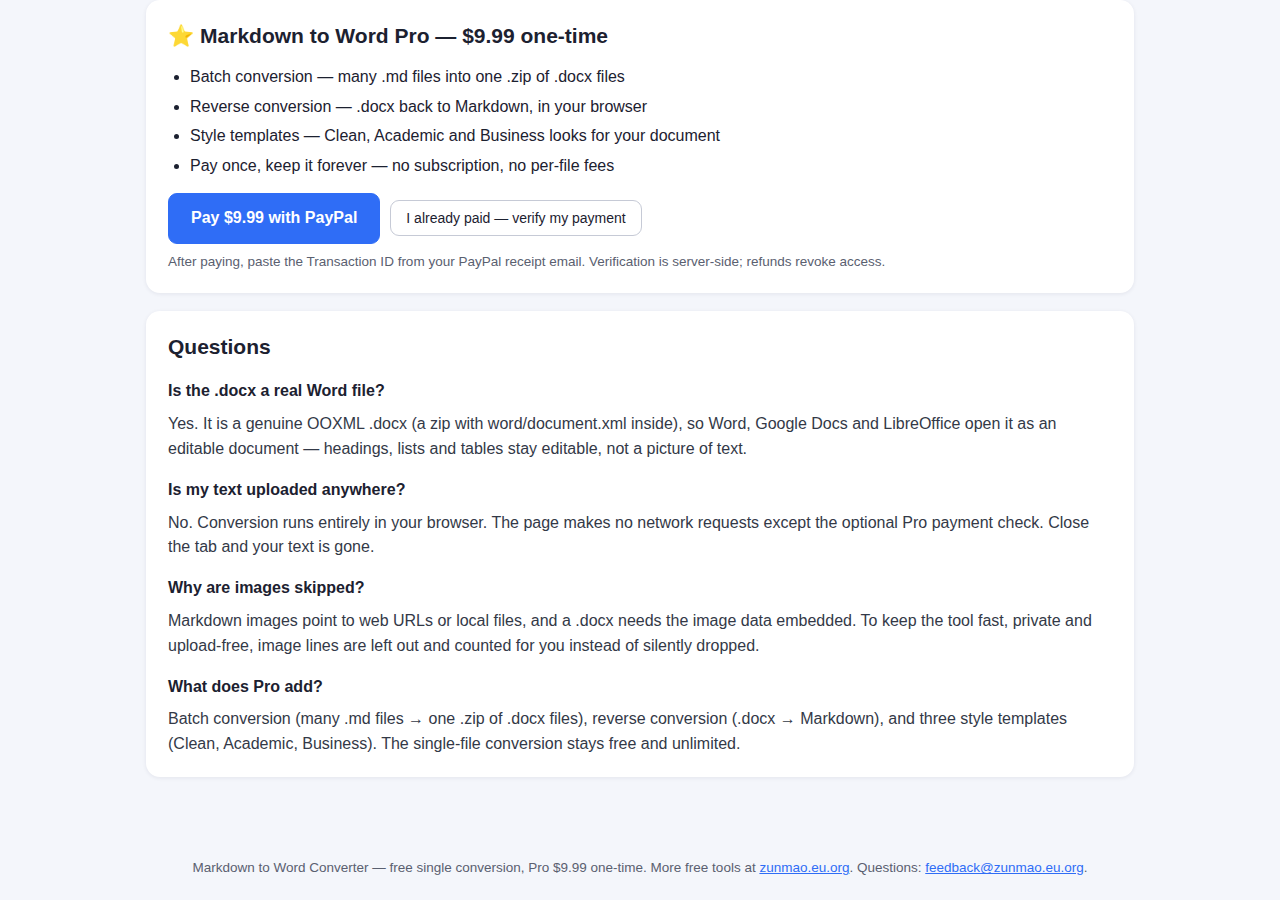
⭐ Markdown to Word Pro — $9.99 one-time
✅ Pro unlocked — batch, reverse conversion and templates are ready.
- Batch conversion — many .md files into one .zip of .docx files
- Reverse conversion — .docx back to Markdown, in your browser
- Style templates — Clean, Academic and Business looks for your document
- Pay once, keep it forever — no subscription, no per-file fees
After paying, paste the Transaction ID from your PayPal receipt email. Verification is server-side; refunds revoke access.
Questions
Is the .docx a real Word file?
Yes. It is a genuine OOXML .docx (a zip with word/document.xml inside), so Word, Google Docs and LibreOffice open it as an editable document — headings, lists and tables stay editable, not a picture of text.
Is my text uploaded anywhere?
No. Conversion runs entirely in your browser. The page makes no network requests except the optional Pro payment check. Close the tab and your text is gone.
Why are images skipped?
Markdown images point to web URLs or local files, and a .docx needs the image data embedded. To keep the tool fast, private and upload-free, image lines are left out and counted for you instead of silently dropped.
What does Pro add?
Batch conversion (many .md files → one .zip of .docx files), reverse conversion (.docx → Markdown), and three style templates (Clean, Academic, Business). The single-file conversion stays free and unlimited.